
Engineered
Creativity
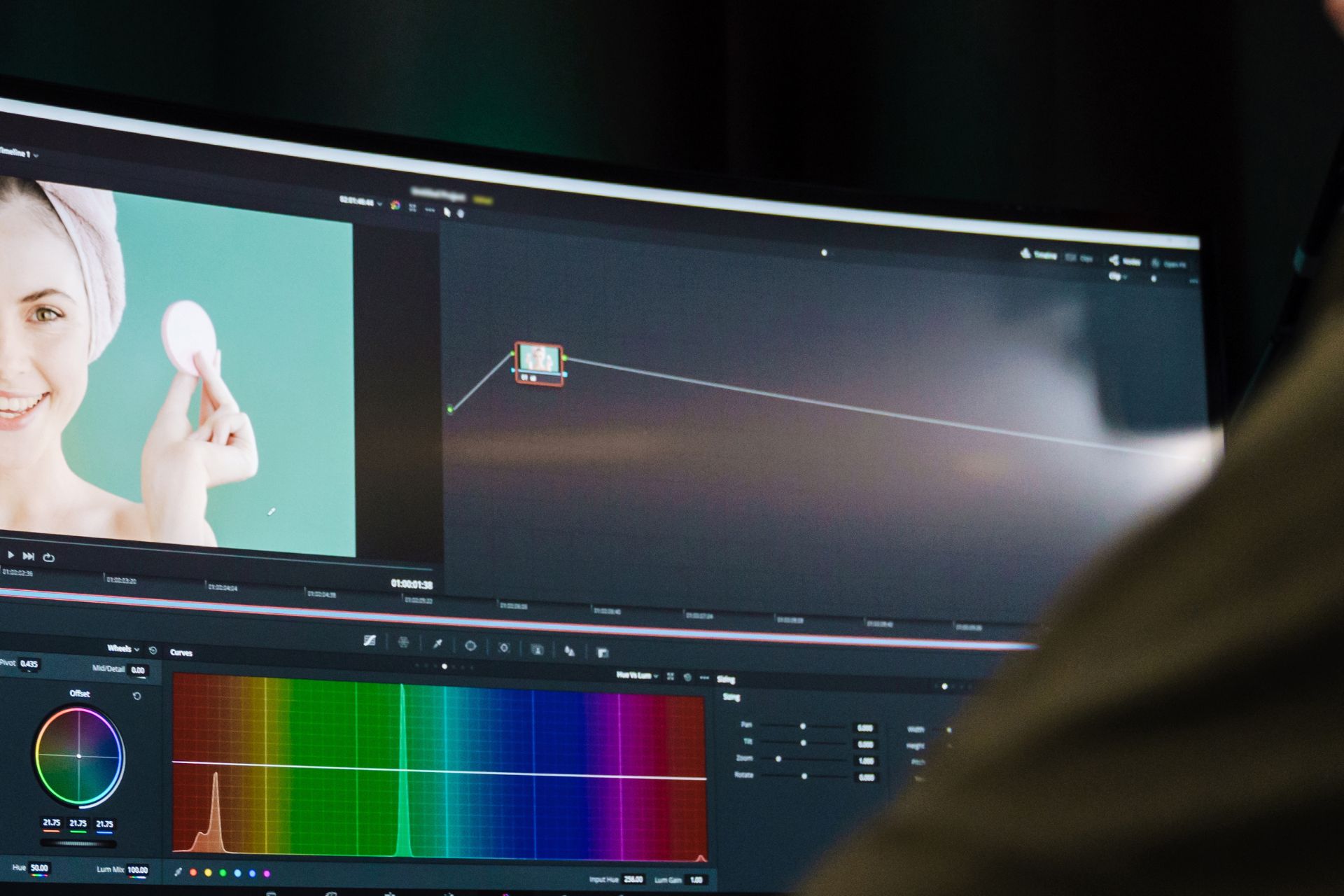
When After Effects projects start scaling, the problem is rarely “animation skills” — it’s pipeline design. The fastest teams are the ones that treat motion work like a system: predictable structure, reusable assets, controlled renders, and clean delivery to the web. Below is my practical approach to combining After Effects plugins, Blender 3D, and Wix deployment without breaking quality or deadlines.
“A good pipeline is invisible. A bad pipeline becomes the project.” — Practical rule of thumb
1) Start With the Output: Specs, Constraints, and Use Case
Before opening After Effects, define the delivery target: website hero loop, social cutdowns, product demo, or UI micro-interactions. For web, the constraints are strict: decoding cost, file size, looping behavior, and mobile stability. If the end platform is Wix, think in terms of formats (MP4/WebM/GIF/Lottie), autoplay rules (muted + inline), and fallbacks. This avoids redoing the entire export strategy in the last 10%.
2) Project Architecture That Survives Scaling
A clean structure is not “nice to have” — it’s what makes plugin-heavy projects stable. Use a strict naming scheme
for comps (e.g., SC01_Hero_16x9, SC01_Hero_1x1), keep precomps modular, and separate
design layers from animation layers. When plugins are involved, isolate them
inside dedicated precomps so you can troubleshoot or swap them without exploding the timeline.
3) Plugins: Use Them Like Tools, Not Like Crutches
Plugins should increase speed and consistency, not add randomness. The rule: the more “magic” a plugin adds, the more you should contain it. Keep a short list of go-to categories: shape/rig utilities, typography workflows, motion presets, time/retiming, color & finishing. Always bake anything that is fragile (heavy effects, procedural noise, complex particle stacks) before final assembly.
4) Blender + After Effects: A Clean Handshake
Blender becomes powerful when you treat it as a render source, not a second editing app. Lock your camera, lighting, and materials early. Export with control: transparent background if needed, consistent frame rate, and render passes when you want flexibility (diffuse/specular/ambient occlusion). In After Effects, compositing is faster when you bring in renders as sequences and keep color management consistent across the pipeline.

5) Performance Is a Design Choice (Especially for Web)
Web delivery is where most “beautiful animations” die. If you want the work to feel premium on Wix, treat performance as part of the art direction: reduce micro-detail that turns into compression mush, avoid unnecessary grain, keep transitions readable at mobile sizes, and design loops that don’t call attention to themselves. A clean 6–10 second loop often outperforms a complex 30 second edit.
6) Export Strategy: MP4 / WebM / Lottie (Choose With Intent)
For most Wix hero sections, MP4 (H.264) is the safe default. If you need transparency, consider WebM. If the animation is mostly vector UI, consider Lottie (via Bodymovin) — but only if the design is compatible (no heavy raster effects, no unsupported plugin effects). Keep bitrates realistic, test on mobile, and always preview the final embed inside Wix before calling it “done”.
“If it doesn’t play smoothly on a mid-range phone, it’s not finished.” — Delivery rule
7) Wix Integration: Make It Reliable
Treat Wix as the final stage of the pipeline. Use consistent filenames, version your exports, and keep a small delivery checklist: autoplay behavior, loop seams, mobile cropping, fallback image, loading priority, and SEO impact (don’t ship a 30MB hero video if you care about performance). When you deliver like a system, you can iterate quickly without breaking the page layout or the brand impression.
The best part: once this structure exists, you stop “starting from scratch” — every new piece becomes a controlled variation of the same engineered workflow. That’s where speed and quality finally align.